
Image Compressor
Upload, preview, compress, and download your images instantly right in your browser.
Supports JPG, PNG, WebP
📁 File:
📊 Original Size:
✅ Compressed Successfully!
New Size: 0 KB
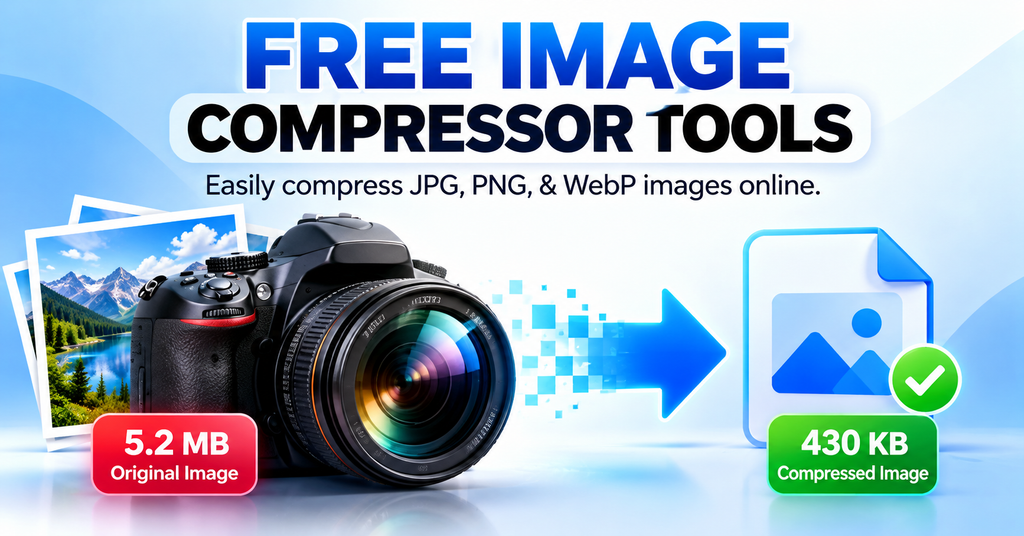
Free Image Compressor: Compress Images Online
Managing digital assets and media libraries can quickly become difficult without proper optimization. Whether you are preparing images for a business website, attaching photographs to an online form, or organizing personal digital archives, dealing with massive file sizes can slow down your workflows. High-resolution photos captured by modern smartphones and digital cameras often weigh several megabytes each, consuming valuable storage space and frustrating users when sharing files online. If you need to reduce image size or shrink image assets without complications, our browser-based utility gives you a simple, efficient way to optimize your visuals.
At Aanamil.com, our dedicated image compressor allows you to compress images online and reduce image file size directly within your web browser. Because the compression process takes place locally in the browser, your images are not uploaded to Aanamil’s server for compression, and no external API is required for the compression process.
What Is an Image Compressor?
An image compressor is a specialized web-based application designed to reduce picture size by optimizing file encoding. Unlike heavy desktop editing software that requires installation, a browser-based photo compressor streamlines file optimization into a few clicks. Whether you need a jpeg compressor, a png compressor, a reliable image size reducer, or a tool to reduce jpg size, online utilities make digital asset management accessible to everyone.
Why Use a Free Image Compressor Online?
Utilizing a free image compressor online offers distinct advantages over traditional desktop software. You can compress image size and reduce photo size online instantly without installing complex programs.
- Accessibility: Access your optimization tools directly from a standard web browser.
- Speed: Quickly compress jpg online or reduce png file size without waiting for long software installations.
- Convenience: Enjoy streamlined compression capabilities directly on the web.
Benefits of Reducing Image File Size
Optimizing your digital files yields multiple practical benefits across everyday computing and web management:
- Faster Sharing: Smaller files upload faster to email attachments, messaging apps, and social media platforms.
- Storage Efficiency: Save local storage space on your hard drive or mobile device by keeping compressed archives.
- Improved Performance: Lighter images contribute to efficient resource handling across devices.
Supported Image Formats: JPG, JPEG, PNG, and WebP
Understanding your file formats is essential for effective optimization. According to MDN Web Docs — Image File Types, different formats serve distinct purposes on the web:
- JPG / JPEG: Commonly used for photographs and complex color gradients, utilizing lossy compression to reduce file weight.
- PNG: A raster image format that supports lossless compression and transparency.
- WebP: A modern image format supporting both lossy and lossless compression along with transparency, making it ideal to compress WebP files efficiently.
Our client-side tool functions seamlessly as a reliable jpeg compressor and png compressor to handle these standard formats.
How to Compress an Image Online — Step-by-Step Guide
Optimizing your pictures takes just a few moments using our web utility:
- Select Your File: Choose the image file you wish to optimize from your device storage.
- Run Compression: Initiate the compression routine to optimize the encoding locally in your browser.
- Download Your Optimized File: Save your compressed image directly back to your device storage.
Note: Compression results depend on the original image, image format, compression method, and device performance. For instance, when you compress WebP or other formats, the actual file-size reduction depends directly on the original image properties and compression method applied.
Practical Tips for Better Image Compression
To get better results when you reduce image file size, consider these practical guidelines:
- Choose the Right Format: Use JPEG for standard photographs and PNG for graphics, screenshots, and images that require transparency.
- Evaluate Before Replacing: Always inspect the compressed output to ensure it meets your visual standards before discarding heavier source files.
- Mind Your Source Quality: Extremely noisy or blurry source images will not compress as cleanly as crisp, well-lit photographs.
Image Compression for Website Performance
When publishing content online, managing asset weight is critical for maintaining responsive web pages. As outlined in the official Google web.dev — Optimize Images guidelines, keeping media files lightweight helps improve overall site efficiency and user experience. Utilizing a dependable image optimizer ensures your web pages remain efficient for visitors when you compress images for web delivery.
Image Privacy and Browser-Based Processing
When handling personal photographs and professional graphics, understanding data handling is important. Because our tool runs entirely client-side using browser capabilities, image compression is processed locally in the browser, and images are not uploaded to Aanamil’s server for compression. You can reduce image size online conveniently while keeping processing directly on your device.
Common Image Compression Problems and Solutions
- File Still Appears Large: Highly detailed photographs with complex textures naturally result in larger compressed footprints than flat graphic designs.
- Visual Changes: Compression alters file encoding to minimize footprint, which may impact fine details depending on the degree of optimization applied.
- Format Mismatch: Ensure you are uploading supported formats like JPG, JPEG, PNG, or WebP for optimal compatibility.
Final FAQ Section
What is an image compressor?
An image compressor is a utility tool designed to reduce image file size by optimizing image data and file encoding.
Is the Aanamil Image Compressor free?
Yes. You can use our free image compressor online.
How can I compress an image online?
Simply select your picture in our browser-based tool, run the optimization process, and download your compressed file.
Which image formats are supported?
Our tool supports standard web formats including JPG, JPEG, PNG, and WebP files.
How do I reduce image size?
You can reduce image size easily by passing your media files through our client-side compression utility, serving as an effective photo size reducer or image size reducer.
Can I compress JPG and JPEG images online?
Yes, our jpeg compressor handles standard photographic extensions efficiently right in your browser to help reduce JPG size.
Can I compress PNG images?
Yes, our png compressor helps reduce png file size.
Can I compress WebP images?
Yes, our tool supports WebP image compression directly in your browser. The amount of file-size reduction depends on the original image and compression method.
Does image compression reduce quality?
Compression alters file encoding to minimize footprint, which may impact fine details depending on the source image and compression method applied.
Are my images uploaded to a server?
Image compression is processed locally in the browser, and images are not uploaded to Aanamil’s server for compression.
Can I use compressed images on my website?
Yes, lightweight optimized assets are useful when you need to compress images for web publishing and enhance page efficiency.
Why is my compressed image still large?
Images with extreme resolution dimensions or complex high-frequency details inherently yield larger file sizes.
Can I use the image compressor on my mobile phone?
The tool can be accessed through a compatible mobile browser. Performance may vary depending on the device, browser, available memory, and image size.
Should I keep the original image?
It is recommended to archive your original high-resolution master files before applying compression.
Conclusion
Using our free browser-based image compressor, you can quickly compress photo size, shrink image files, and optimize visual assets directly in your web browser without uploading images to Aanamil’s server for compression. Explore the Aanamil Image Compressor to reduce image file size directly in your browser.
Free Image Compressor: Compress Images Online
Use the free Aanamil image compressor to compress images online. Reduce image file size for JPG, JPEG, PNG, and WebP directly in your browser.
Price Currency: usd
Operating System: All, Web, Browser
Application Category: UtilitiesApplication
4.78